

Form Submissions Overview
Every tent with forms automatically captures and stores submission data. You can view, manage, and export this data to track leads, analyze conversion rates, and follow up with potential customers.Accessing Form Submissions
From the Tent Details page:- On the Form Submissions tile, click View Form Data. This button is located below the total number of form submissions for the tent. (It’s also available via Tent Actions > View Form Submissions.)
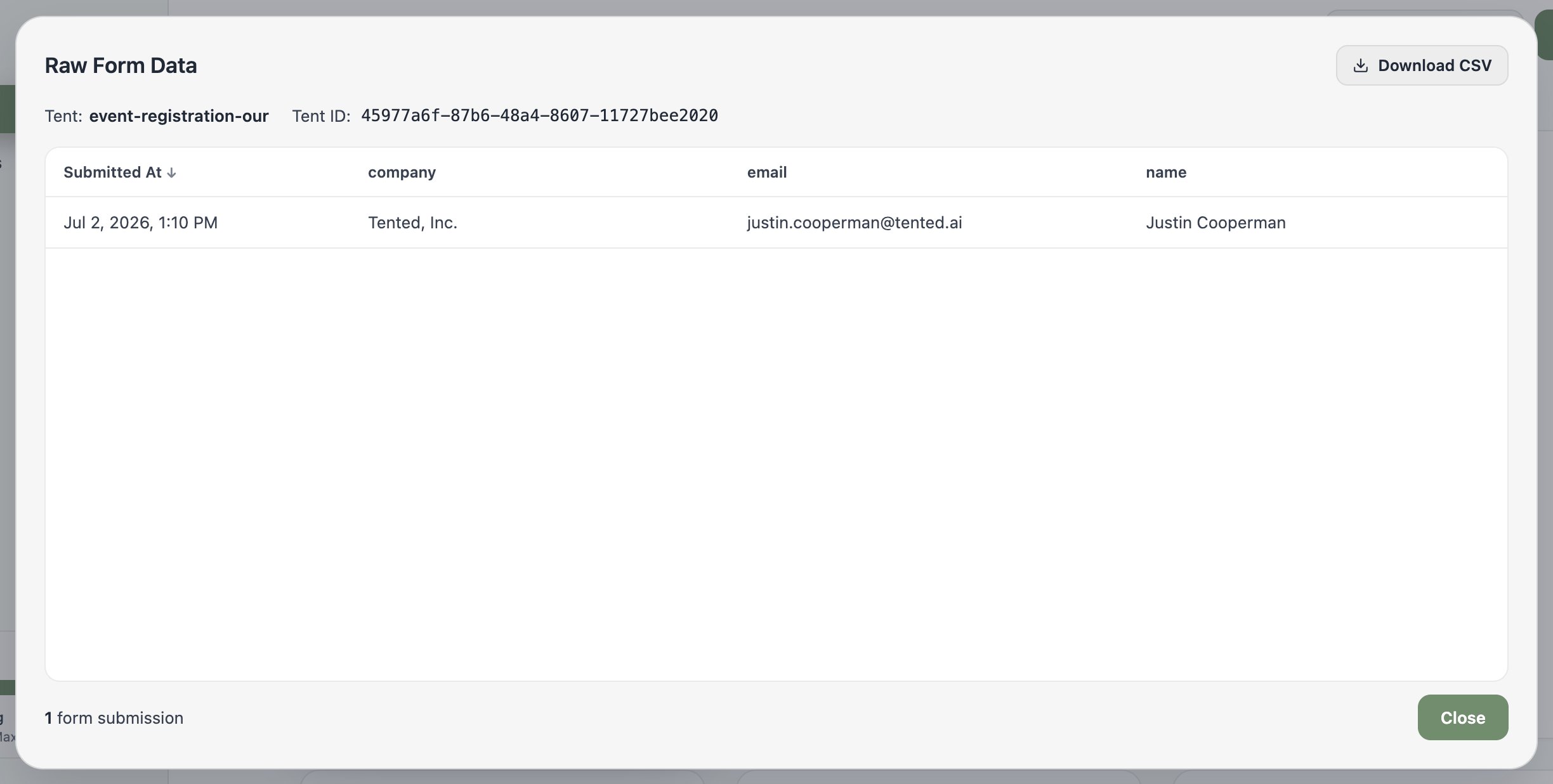
- The Raw Form Data window opens and displays a complete record of all form submission data for the tent. It includes the timestamp, form fields, and submitted values.
- To export the data, click the Download CSV button.
- When you’re done, select Close to exit the window.
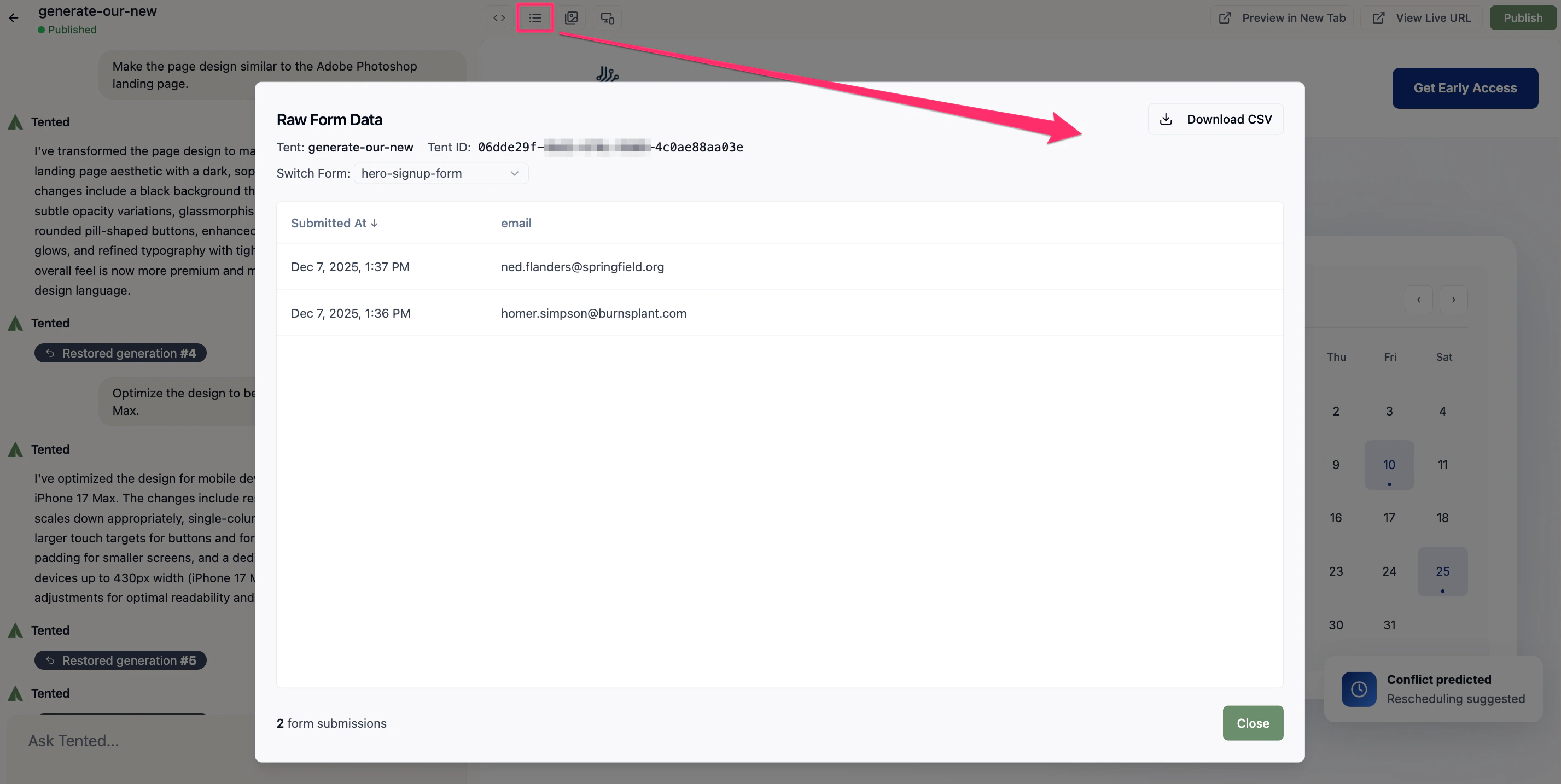
- Click the View Form Submissions icon (hamburger menu) in the top menu.
- The Raw Form Data window opens and displays a complete record of all form submission data for the tent. It includes the timestamp, form fields, and submitted values.
- To export the data, click the Download CSV button.
- When you’re done, select Close to exit the window.
Automations
Don’t want to check manually? Form automations can push every submission to Slack or Microsoft Teams, email you per submission or on a schedule, or hit a webhook for your CRM.Next: Form Automations
Route form submissions to Slack, Teams, email, or webhooks.