

Publishing Overview
Publishing your tent makes it available on the web with a unique URL that you can share with your audience. The process takes a few clicks — and the publish dialog packs some useful options worth knowing about.Publishing Process
Make sure you preview your tent first. Then, in the tent editor, click Publish at the top right.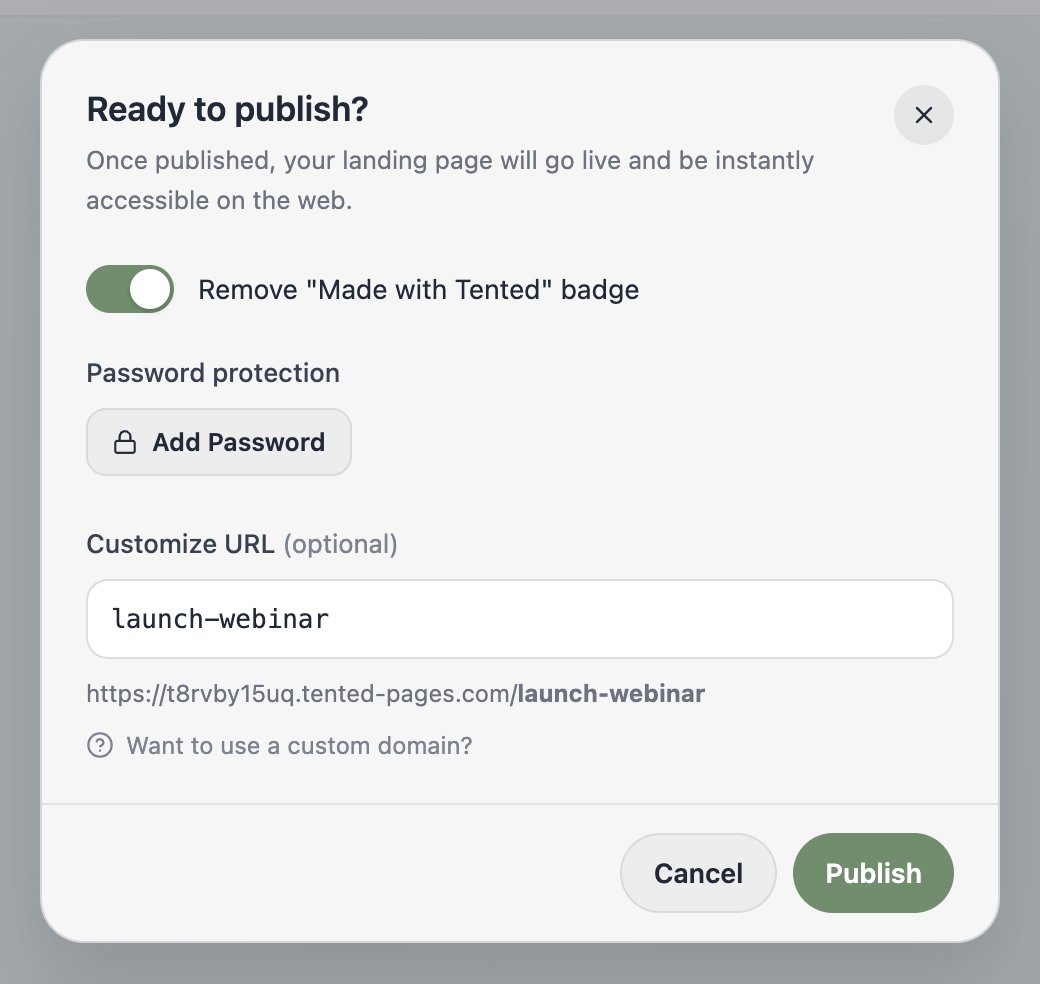
- Remove “Made with Tented” badge — hide the badge on your published page (available on paid plans).
- Password protection — click Add Password to gate the page. Great for internal reviews and client previews.
- Customize URL — replace the auto-generated ID with a friendly slug, like
/launch-webinar. You can also change it later via Tent Actions > Customize URL.
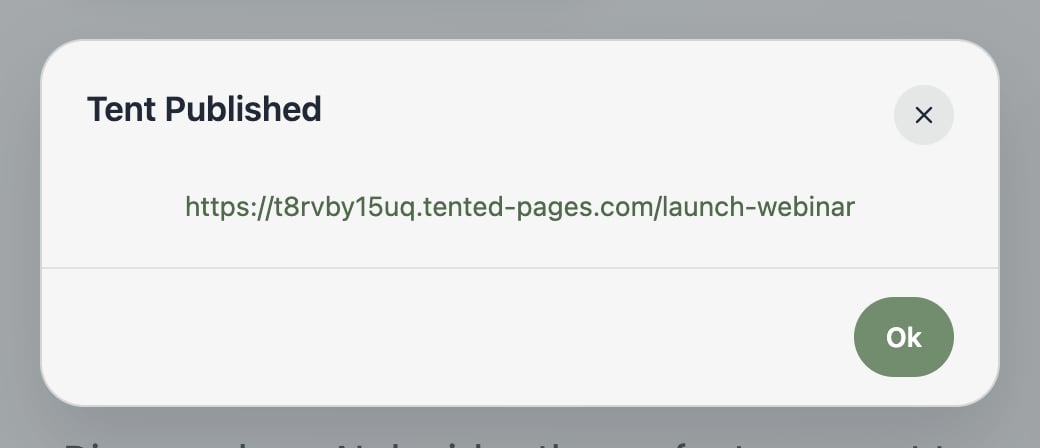
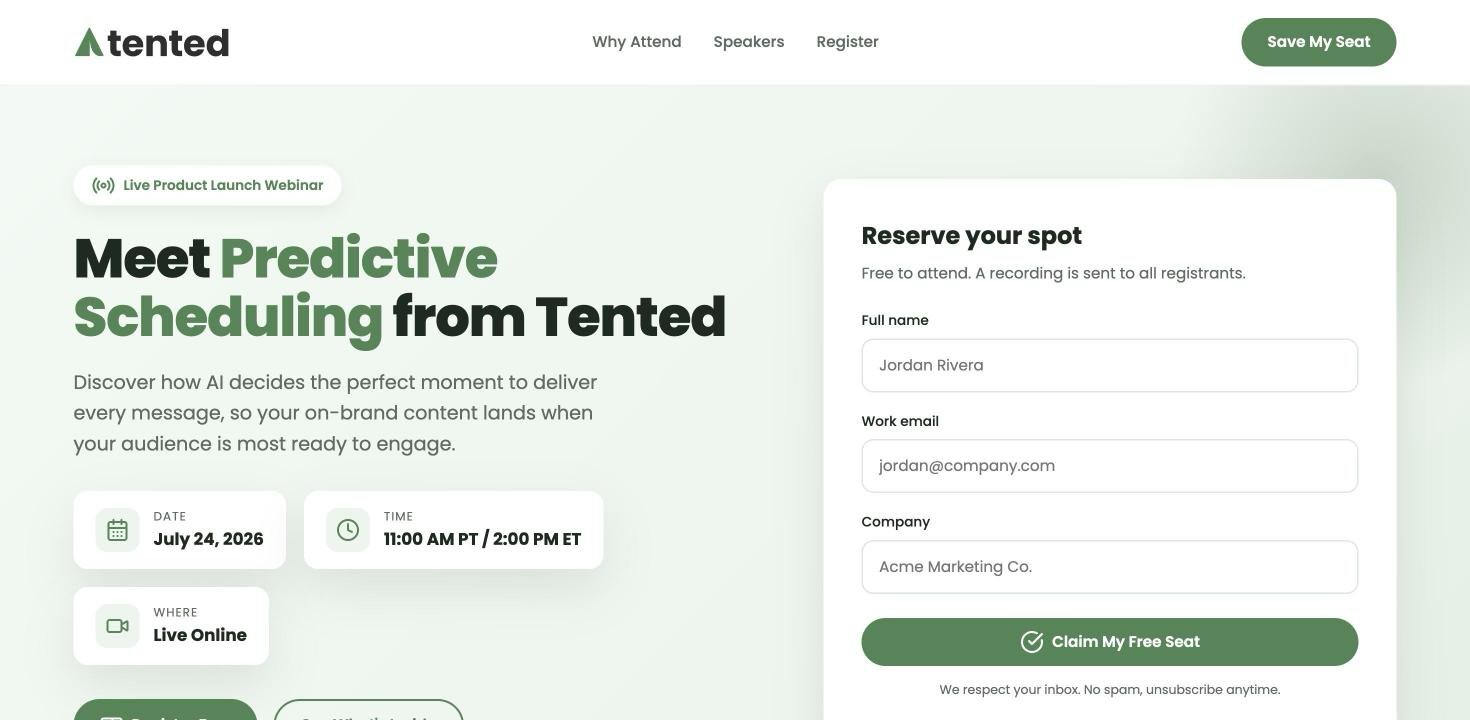
Once published, edits don’t go live automatically — keep iterating safely in the editor, then click Publish Update when you’re ready to ship the changes.
About Domains and URLs
Default domain
Default domain
Your tent gets a unique URL on your workspace’s subdomain:
- Format:
https://[workspace-slug].tented-pages.com/[custom-slug-or-id] - SSL certificate included
- Global CDN for fast loading
Custom URL slug
Custom URL slug
Pick the path yourself in the publish dialog (or via Tent Actions > Customize URL) —
/launch-webinar beats /45977a6f-87b6... on any billboard.Branded custom domain
Branded custom domain
Serve tents from your own domain with a CNAME alias (paid plans). See our Custom Domains guide.
Password-protecting a tent
Want to keep a published tent private — for an internal review, a client preview, or a gated launch? Add a password, and visitors must enter it before they can see the live page. You can do this two ways:- While publishing — toggle Add Password in the publish dialog.
- Anytime after — on the Tent Details page, choose Tent Actions > Add Password.
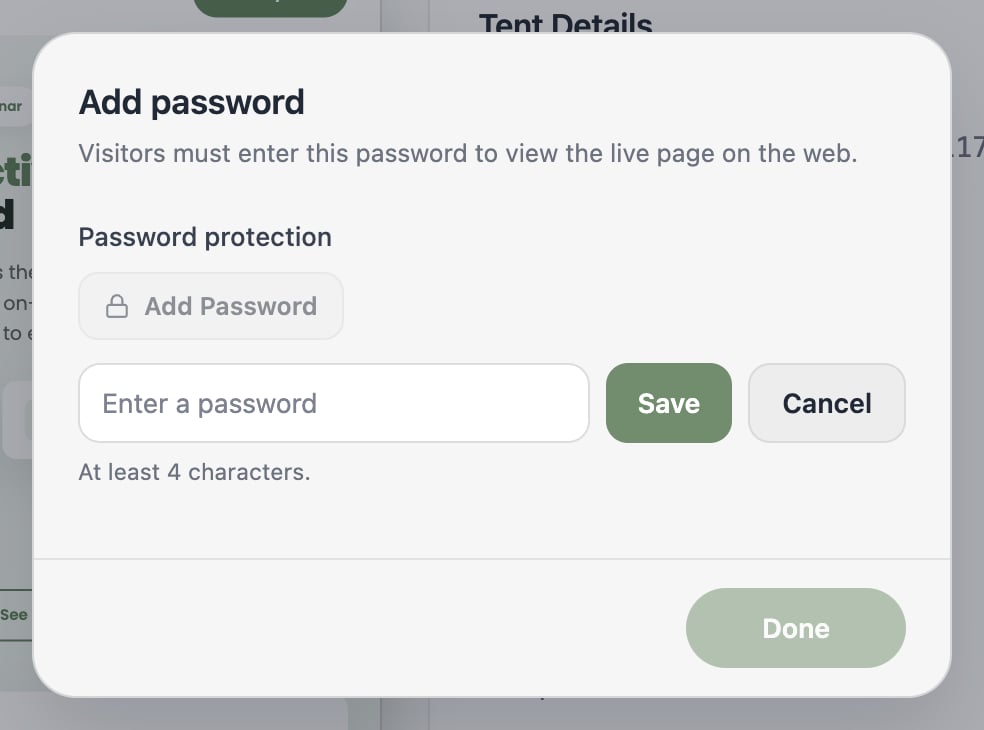
Password protection is available on paid plans.
Publishing Updates
When you publish updates to an existing tent, the important things stay stable: your URL doesn’t change, form submission data is preserved, and analytics keep tracking seamlessly. Update your content as often as you like without disrupting anything.Unpublishing
Changed your mind? Tent Actions > Unpublish takes the page off the web — the URL goes inactive and the tent returns to Draft. You can republish anytime.Next: Viewing Form Submissions
Learn how to view, manage, and export form submission data.