

Plans Overview
Tented has three plans. Every plan includes unlimited users, emails, and tent creation — the differences are in email volume, contact allowance, publishing limits, and power features. Open the plan picker anytime: click Plans & Billing under the Credits meter in the bottom-left of the sidebar (it reads Upgrade Subscription on the Free plan), or go to Settings > Plans and usage.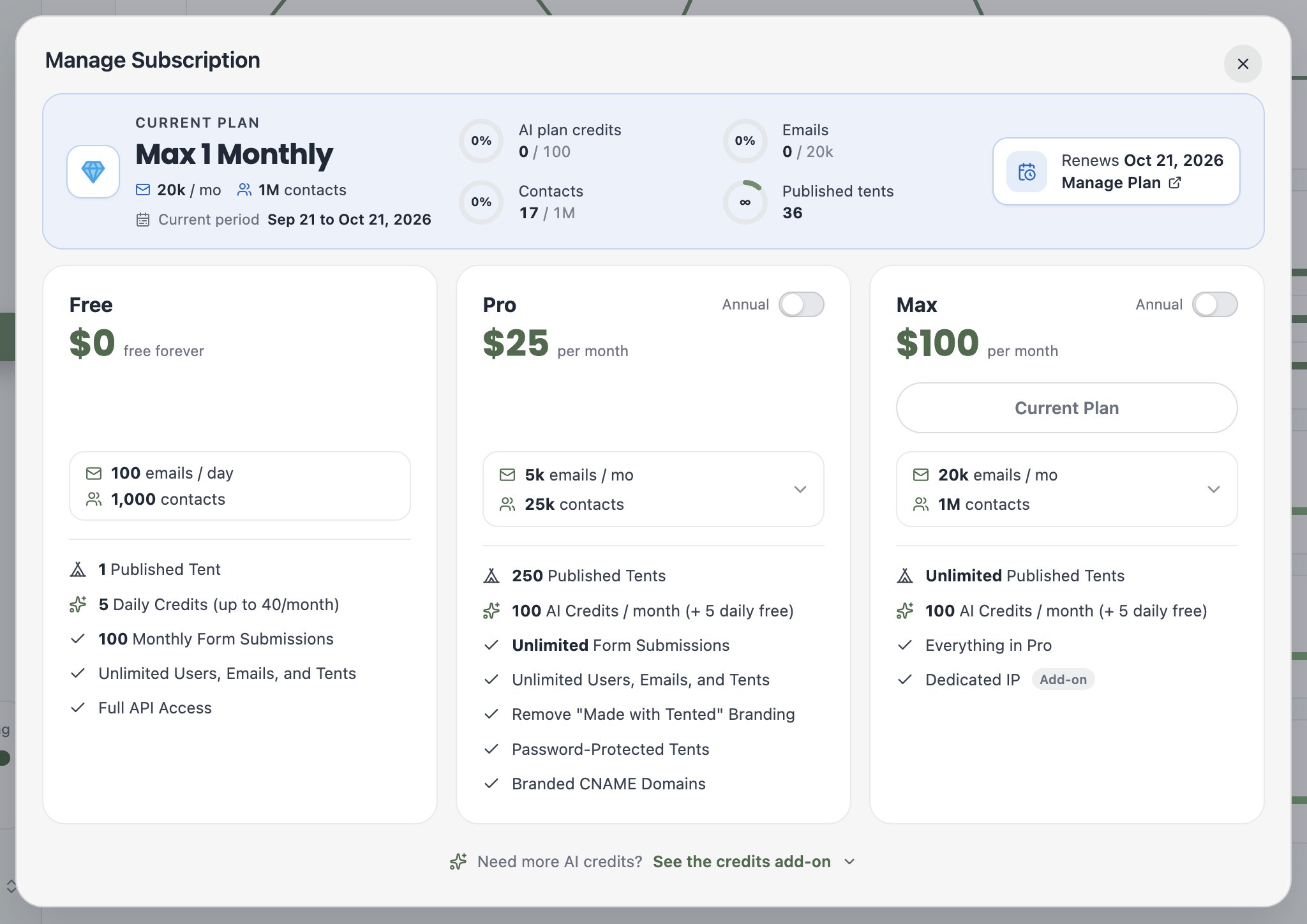
Free — $0
- 100 emails / day, 1,000 contacts
- 5 daily credits (up to 40/month)
- 1 published tent
- 100 monthly form submissions
- Full API access
Pro — from $25/mo
- Pick your volume: 5k–100k emails/mo with a matching contact allowance
- 100 AI credits / month
- 250 published tents
- Unlimited form submissions
- Remove “Made with Tented” branding
- Password-protected tents
- Branded CNAME domains
Max — from $100/mo
- Everything in Pro
- Pick your volume: 20k–5M emails/mo
- 100 AI credits / month
- Unlimited published tents
- Dedicated IP (add-on)
What’s a credit? Credits power AI generation — creating and iterating on tents and emails. Every paid tier includes the same 100 credits per month; if you need more, add them in 100-credit blocks with the AI Credits Add-on.
How to Upgrade
- Click Plans & Billing (or Upgrade Subscription) in the sidebar.
- Pick your plan — and flip the Annual toggle if you prefer annual billing.
- On Pro and Max, choose your email volume tier from the dropdown on the card — the contact allowance scales with it.
- Complete checkout. Your new limits and features are available immediately.
Which Plan Is Right?
- Free — trying Tented out, or running a single evergreen page.
- Pro — marketing teams shipping campaigns: multiple live pages, unlimited form capture, brand control, and custom domains.
- Max — high-volume teams: unlimited published tents, heavy API usage, and priority support.
Next: Managing Your Subscription
Change plans, view invoices, and manage billing details.