

Workspaces Overview
Your Tented account (your email address) can belong to more than one workspace — for example, your own company’s workspace plus a client workspace you’ve been invited to. Each workspace keeps its own tents, contacts, emails, branding, team, and plan.Choosing a Workspace at Login
If your email belongs to multiple workspaces, Tented asks which one you want to use right after you log in. Pick a workspace from the list and you’ll land in it.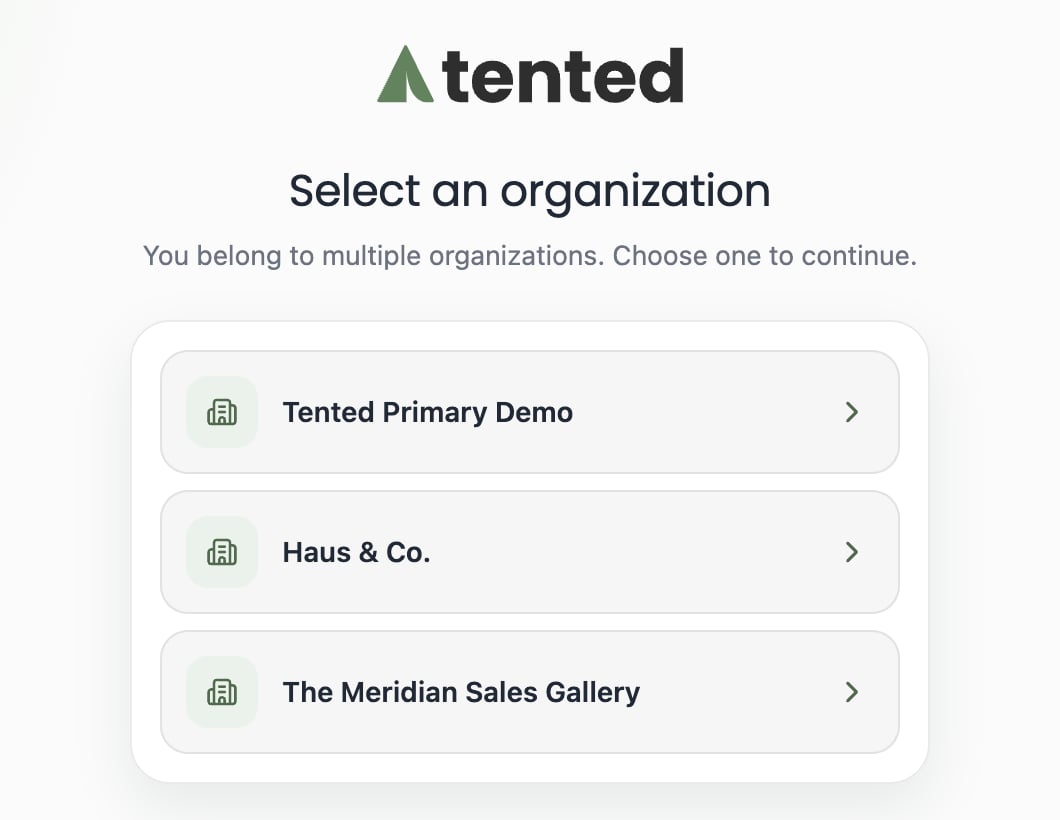
Switching While Logged In
If you belong to more than one workspace, you don’t need to sign out to move between them: Click your profile in the bottom-left corner of the sidebar, and select Switch Workspace from the menu (just above Sign out):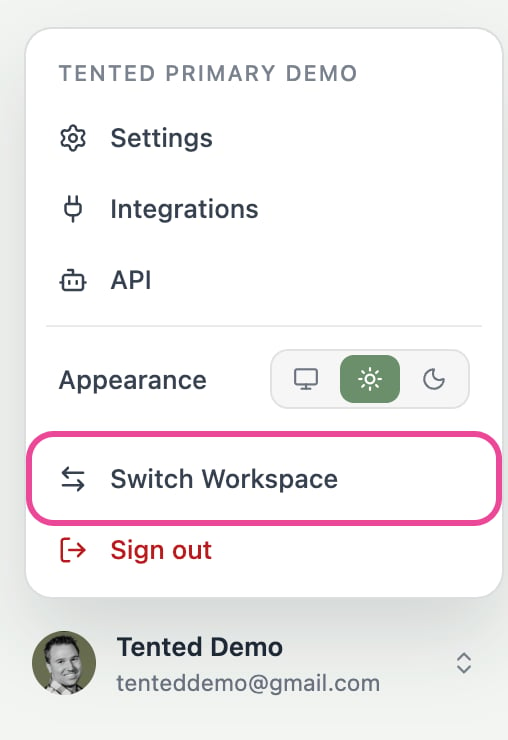
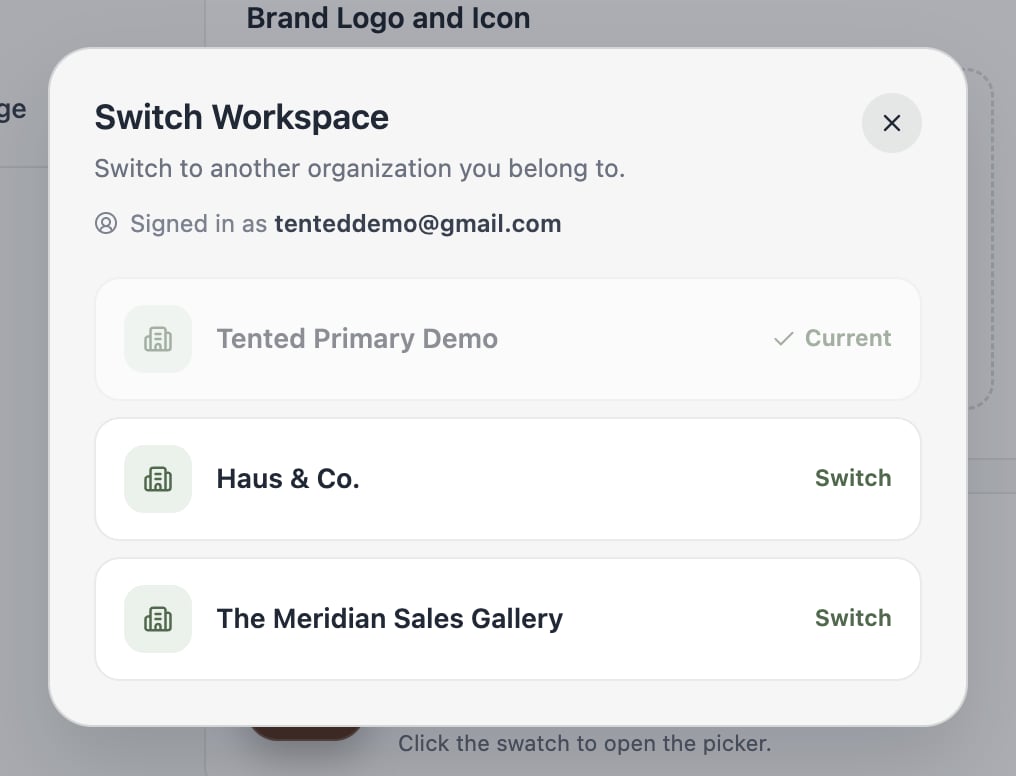
Switch Workspace only appears when your email address belongs to more than one workspace, and only those workspaces appear in the list. If a workspace is missing, ask an admin of that workspace to invite you; once you’re invited it shows up automatically.
Roles Are Per Workspace
Your role is set independently in each workspace — you can be an Admin in one and a Standard User in another. After switching, you have the role that workspace assigned to you.Next: Workspace Settings
Configure workspace-wide branding, company info, and more.