

Team Overview
Everything about your team lives in Settings > Team: click your profile in the bottom-left corner, select Settings, then choose Team.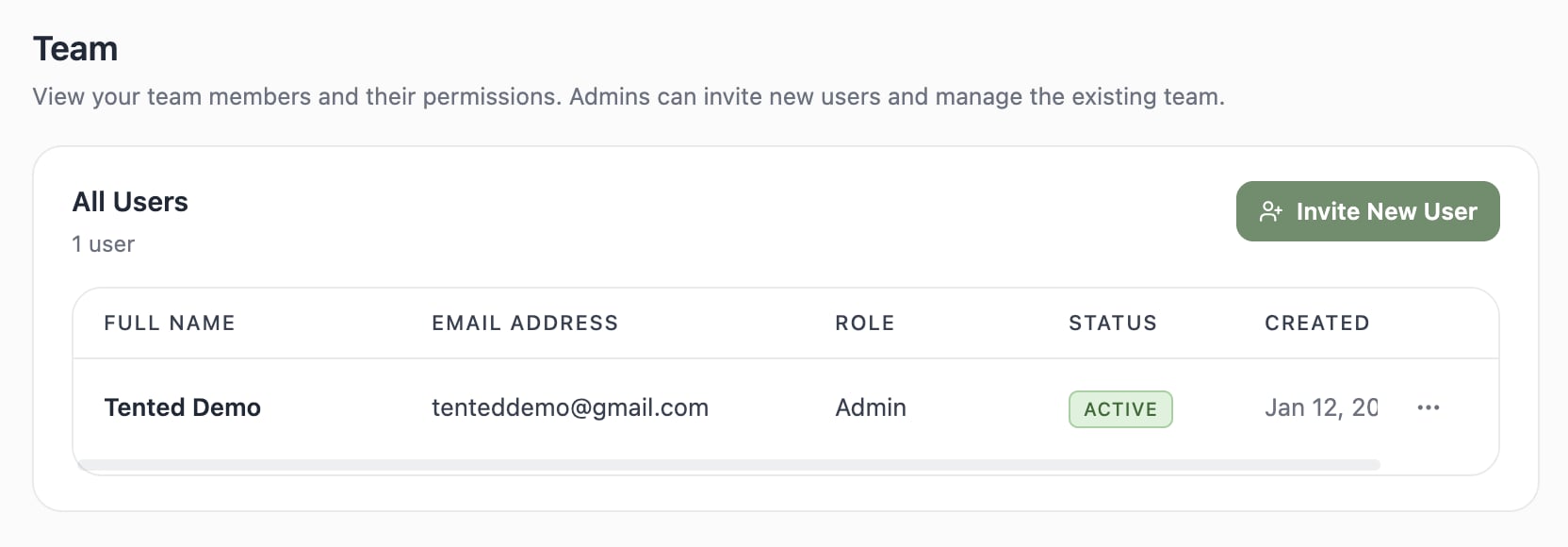
The All Users Table
For each member you’ll see:- Full Name and Email Address
- Role — Admin or Standard User (see User Permissions)
- Status — Active, or Pending until they accept their invitation
- Created Date — when they joined
- Actions — the ⋯ menu at the end of the row, with Edit User and Delete User
Common Tasks
- Add someone — click Invite New User (full guide: Inviting New Users)
- Change a role — choose ⋯ > Edit User on their row and pick the new role
- Remove someone — choose ⋯ > Delete User. They lose access right away, and the content they created stays
- Check your seat count — the total is shown next to the All Users heading; every Tented plan includes unlimited users, so invite freely
Only Admins can send invitations, change roles, and remove users.
Next: User Permissions
Understand what Admins and Standard Users can each do.