

About the API
Tented has a public API for creating and managing tents and contacts programmatically — handy for bulk-generating personalized pages or syncing your CRM. Everything starts with an API key. Manage keys and watch usage under Settings > API.API access is a paid-plan feature: Pro includes 100 API credits/month and Max includes 1,000. See Upgrading Your Plan.
Creating an API key
On the Credit and Key tab, click Create API Key, give it a name (like “Production” or “Zapier”), and confirm. The key currently has All Access scope. Tented shows you the key once: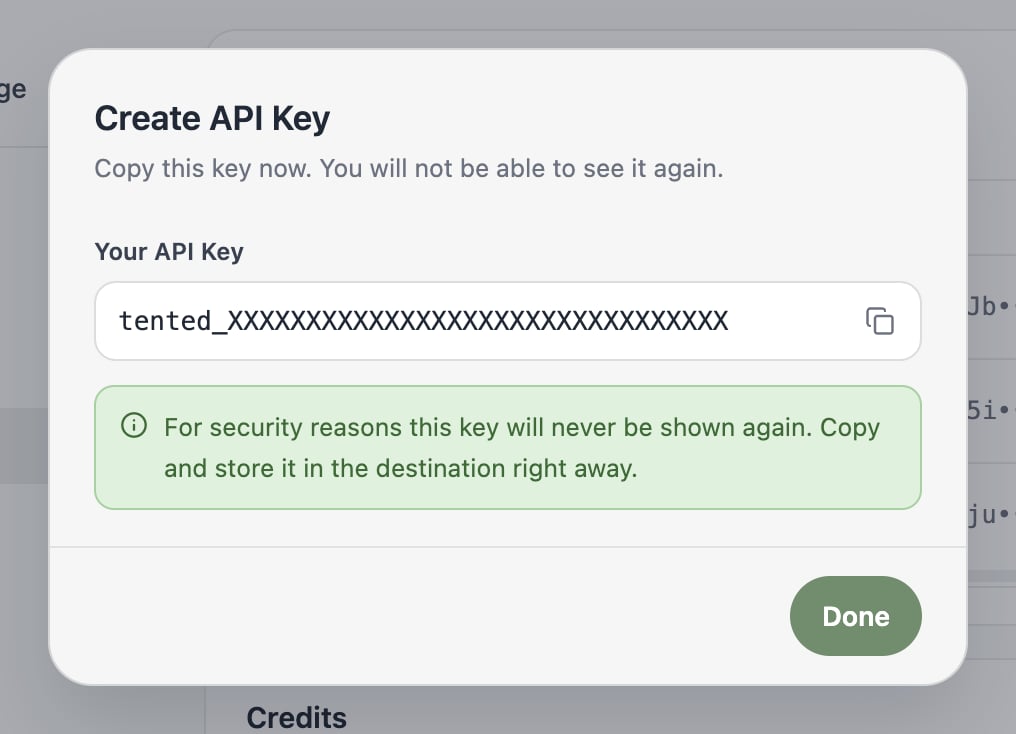
Managing keys
Back on the Credit and Key tab, each key shows its name, status, a masked prefix, scope, last-used time, and creation date.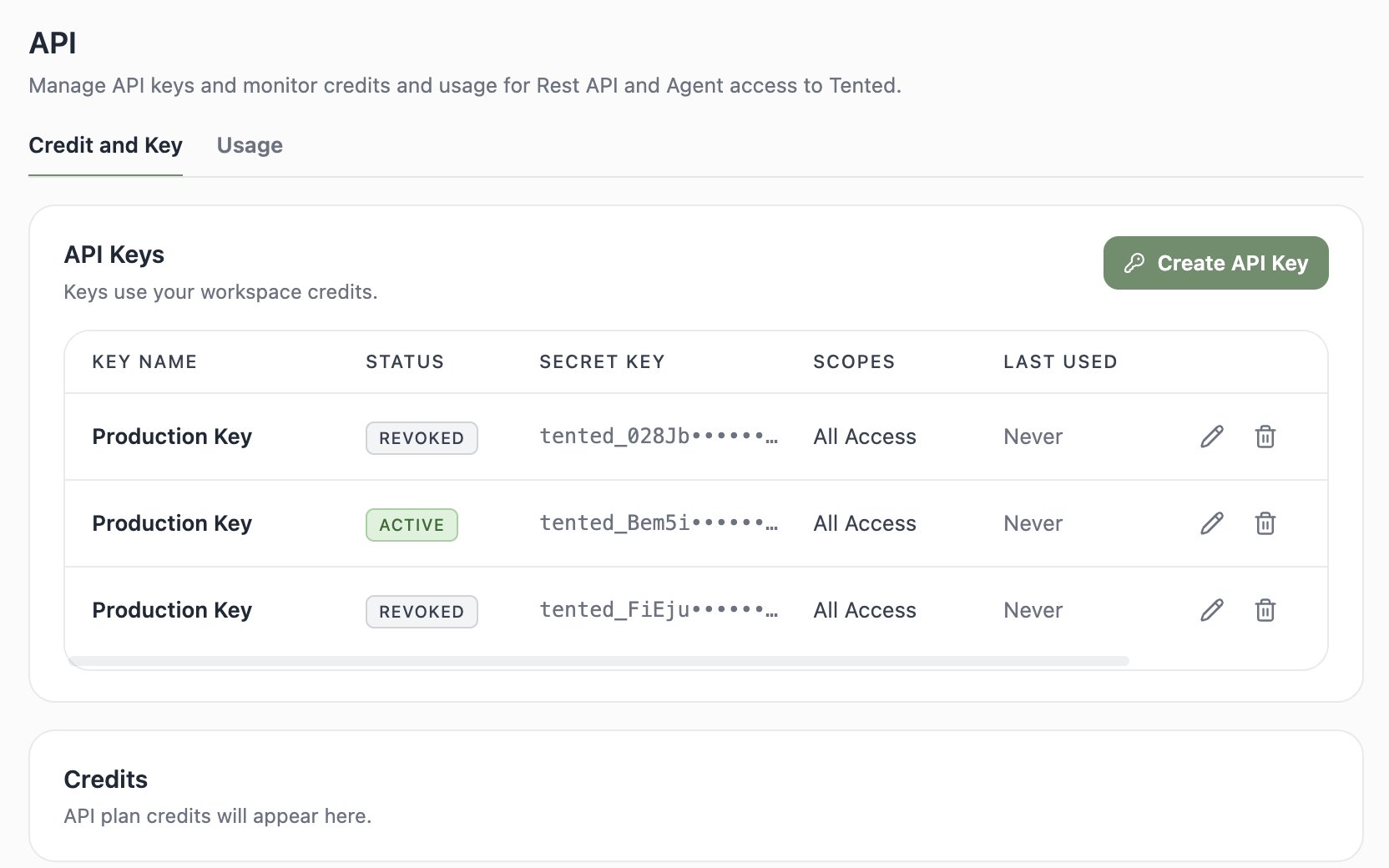
- Rename a key with the pencil icon.
- Delete a key with the trash icon — this can’t be undone, and any requests using it will immediately start failing. Deleting is how you revoke a key you think may be exposed.
Monitoring usage
The Usage tab logs every API request. Filter by key and date range to see method, status code, response time, and credits consumed per request — useful for debugging an integration or tracking what’s eating your API credits.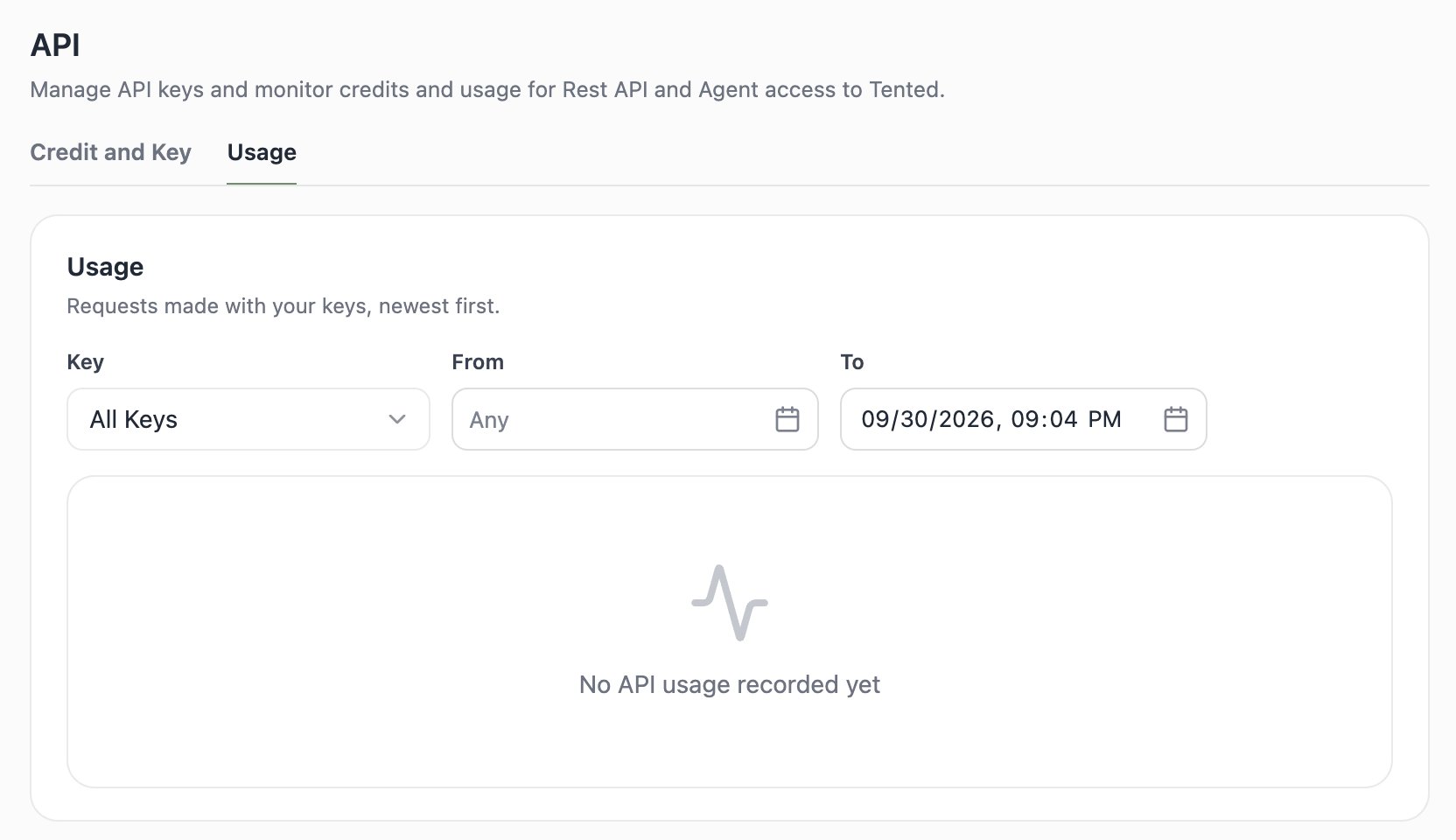
Explore the API Reference
Authentication, creating tents, managing contacts, and more.